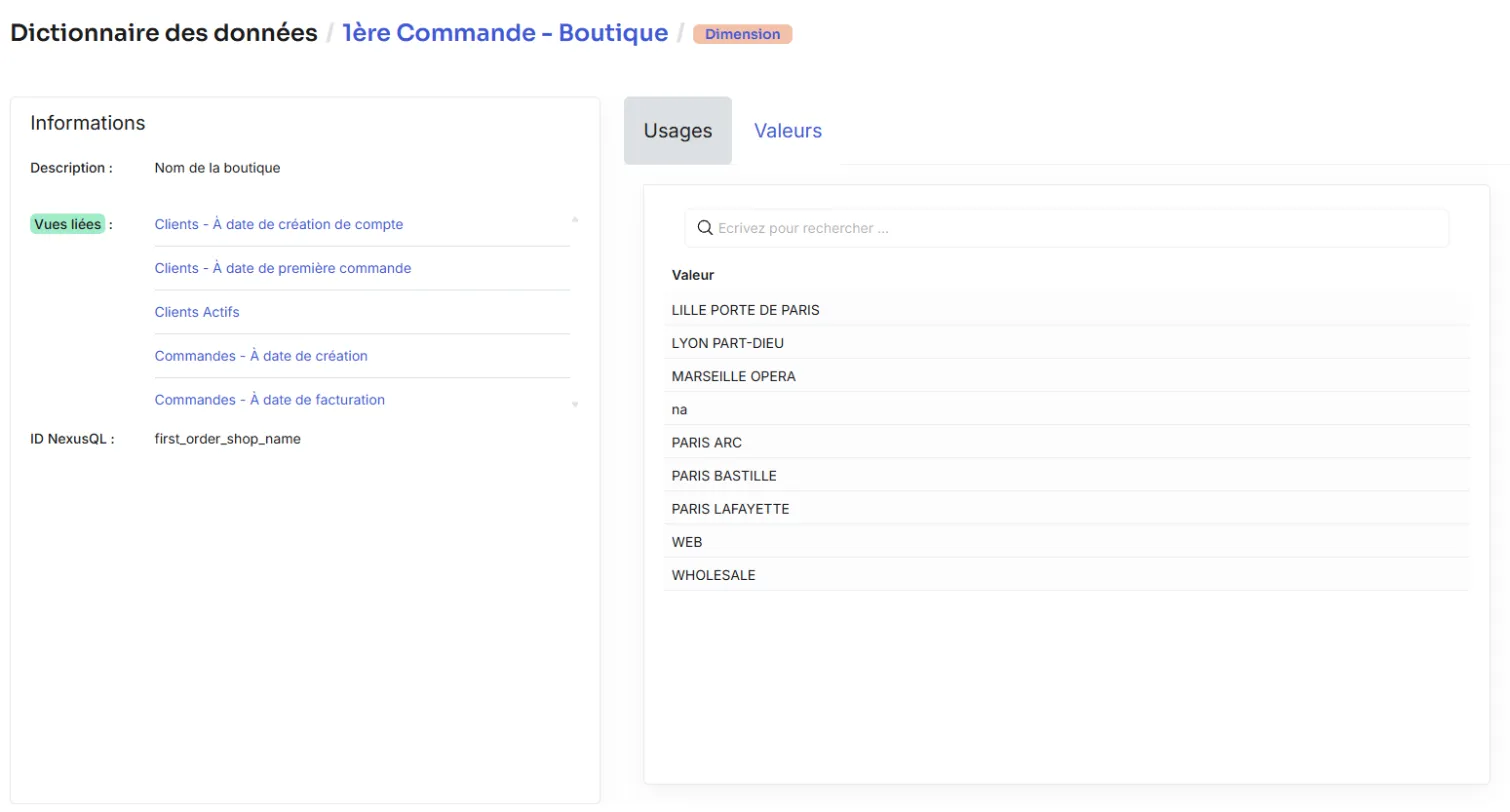

Consulting the data dictionary
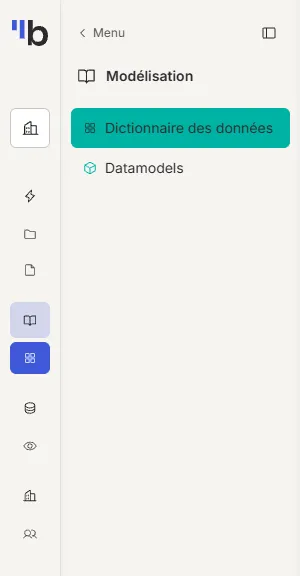
The data dictionary is always available from the Modelling section of the side menu, via the Data dictionary shortcut.
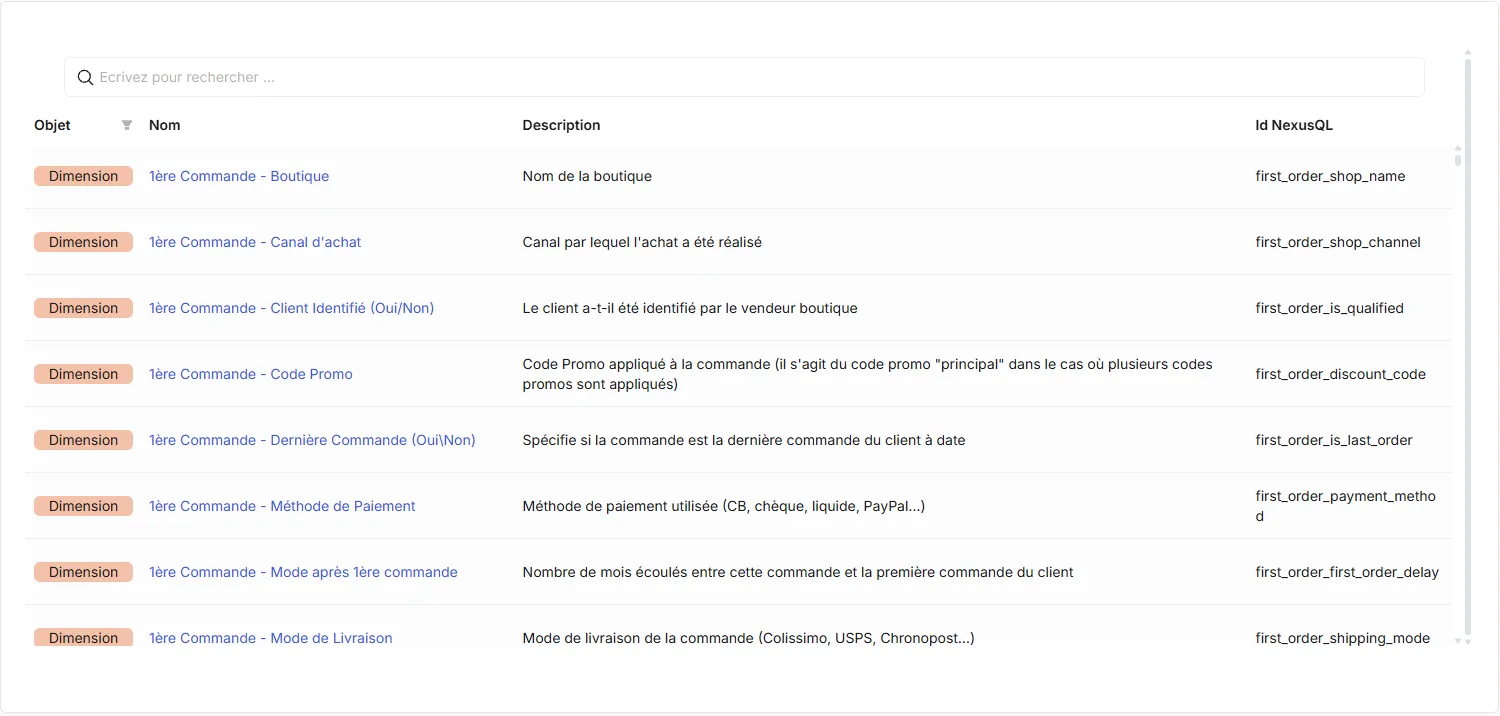
It lists all the views, metrics and dimensions (slicers and/or filters) available in the Workspace.
The search field and the Object column filter let you quickly find an element.
Element detail
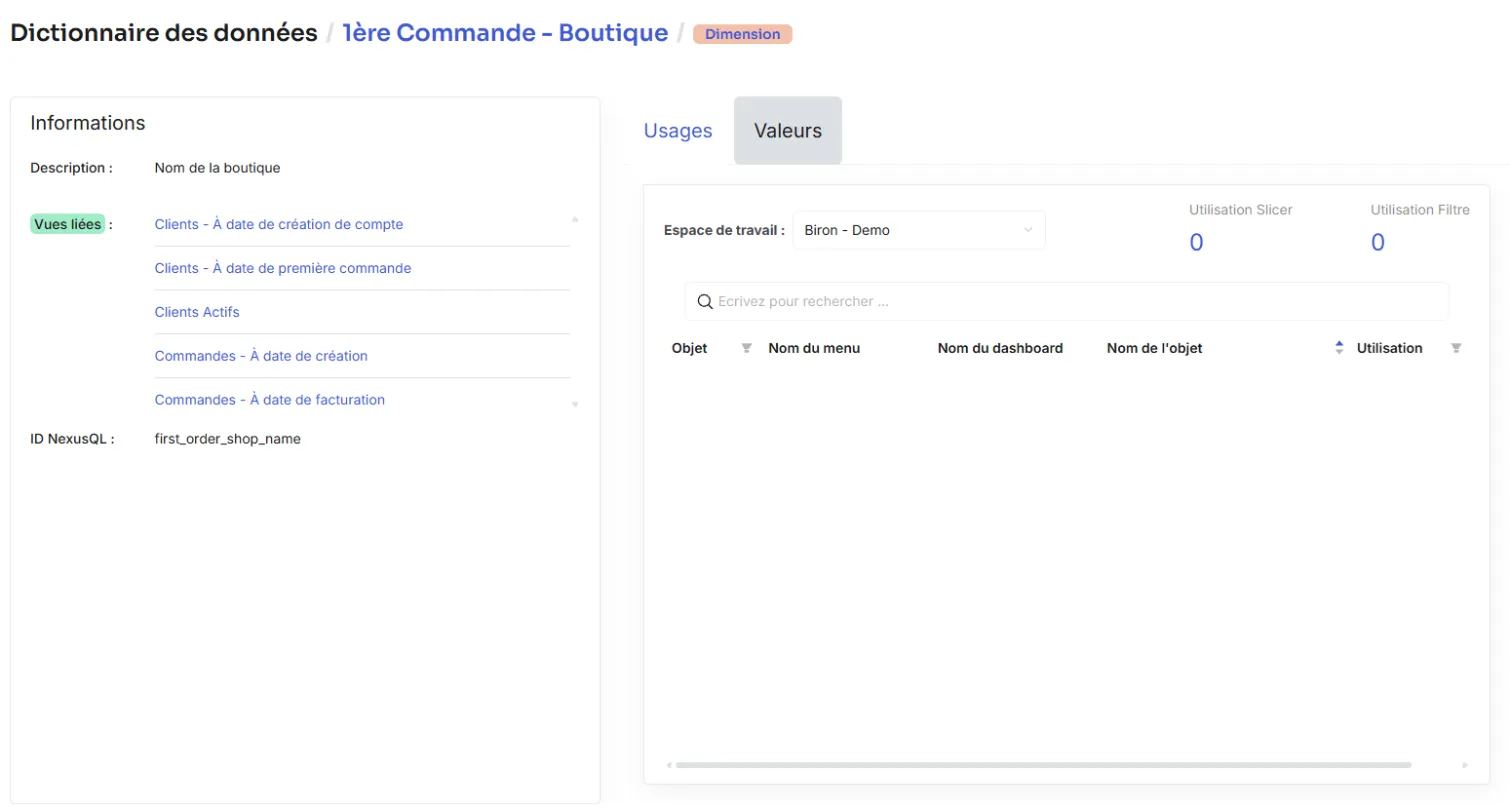
Section titled “Element detail”Clicking an element’s name opens its detail page:
- the Informations block shows its description, its linked views and its NexusQL ID;
- the Usages tab shows, for the selected Workspace, how many times the element is used as a slicer or as a filter, and in which menus, dashboards and charts.
Two additional pieces of information are available depending on the type of element selected:
- Dimensions — the Values tab shows the list of available values
- Views — the list of metrics and dimensions attached to the view is available