
Using cell dates as periods
Setting up a custom period
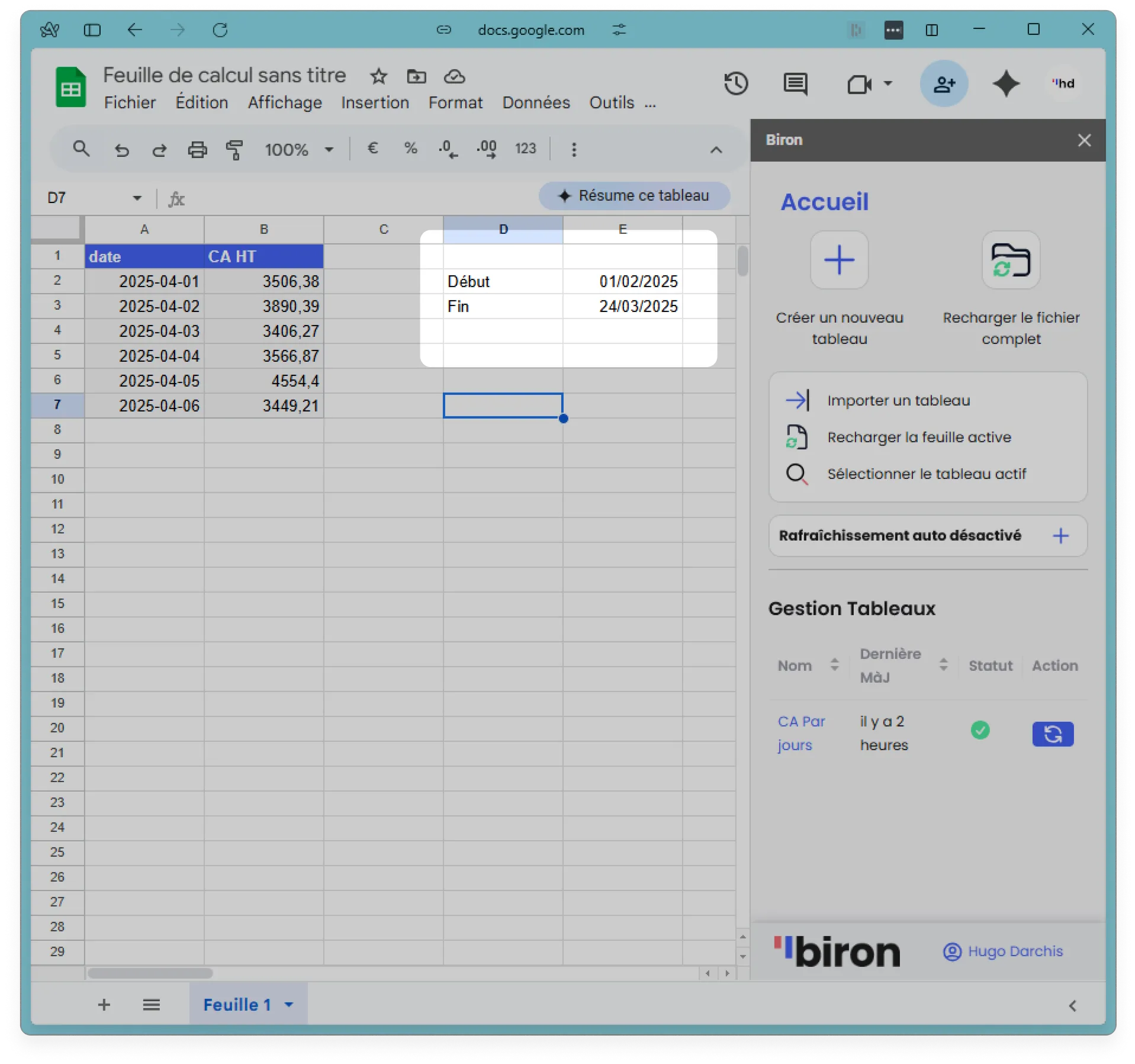
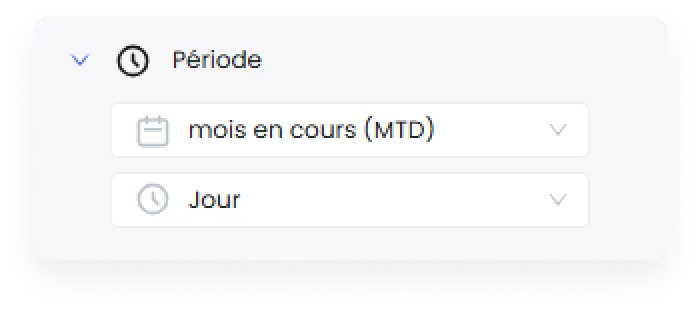
Section titled “Setting up a custom period”We show how to use date cells from an Excel file as the period for a chart — currently set to “Current Month (MTD)” on the right.
These dates must be in Excel date format.
Go to your export configuration and at the period level select the Cell values option.
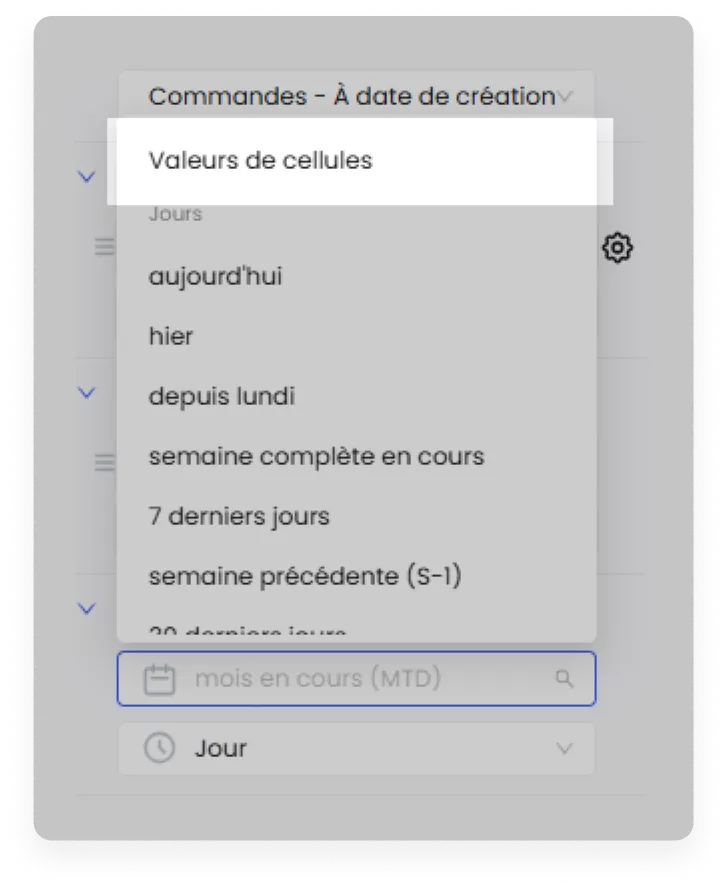
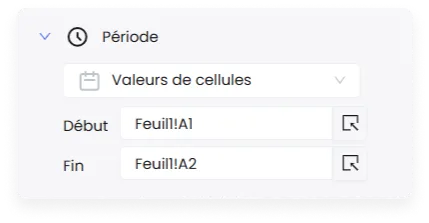
You then have two start and end fields in which to enter the cells containing the dates you need.
You can either enter the coordinates manually by typing the cell address,
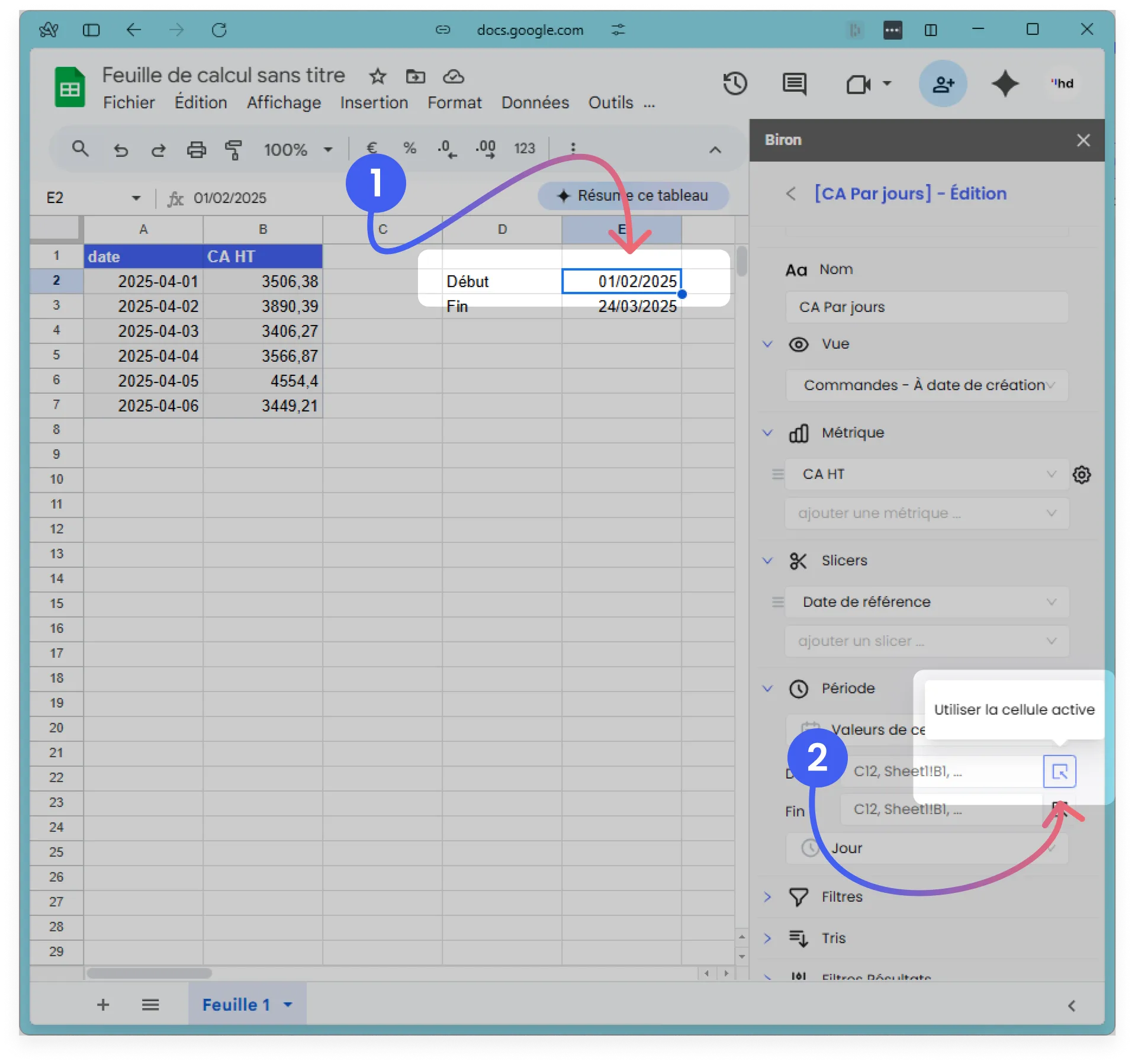
Or use cell selection:
- Click on the date cell you want to select.
- Click the Use active cell button in the configuration.
Once this is done for both dates, you can reload the sheet and your period is applied.