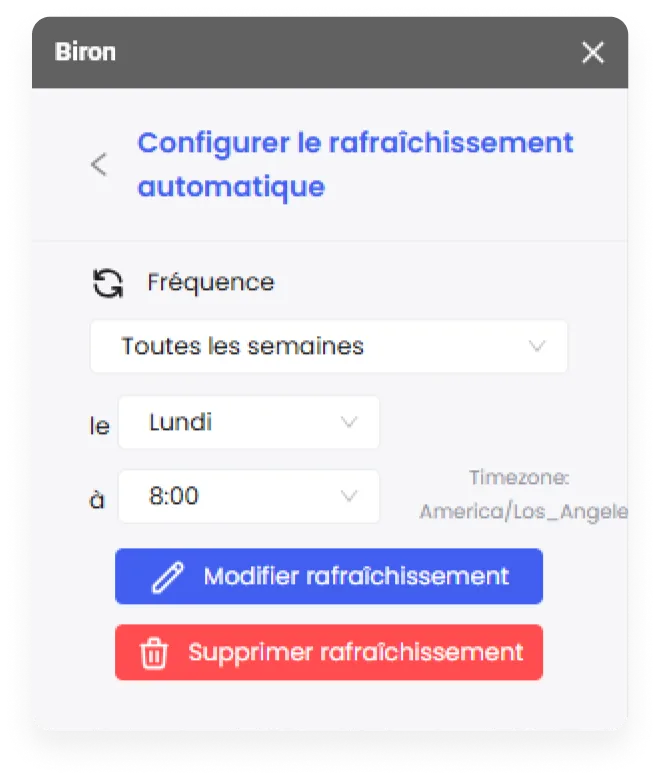

Enabling automatic refresh
Configuring automatic refresh
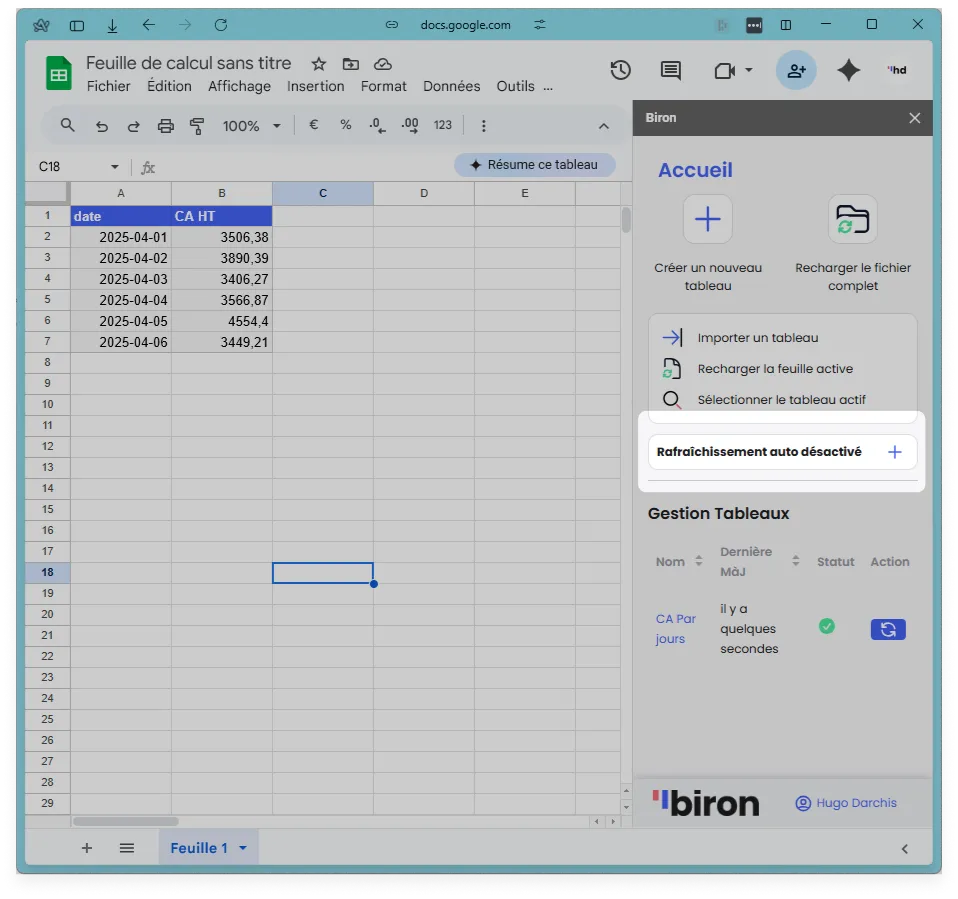
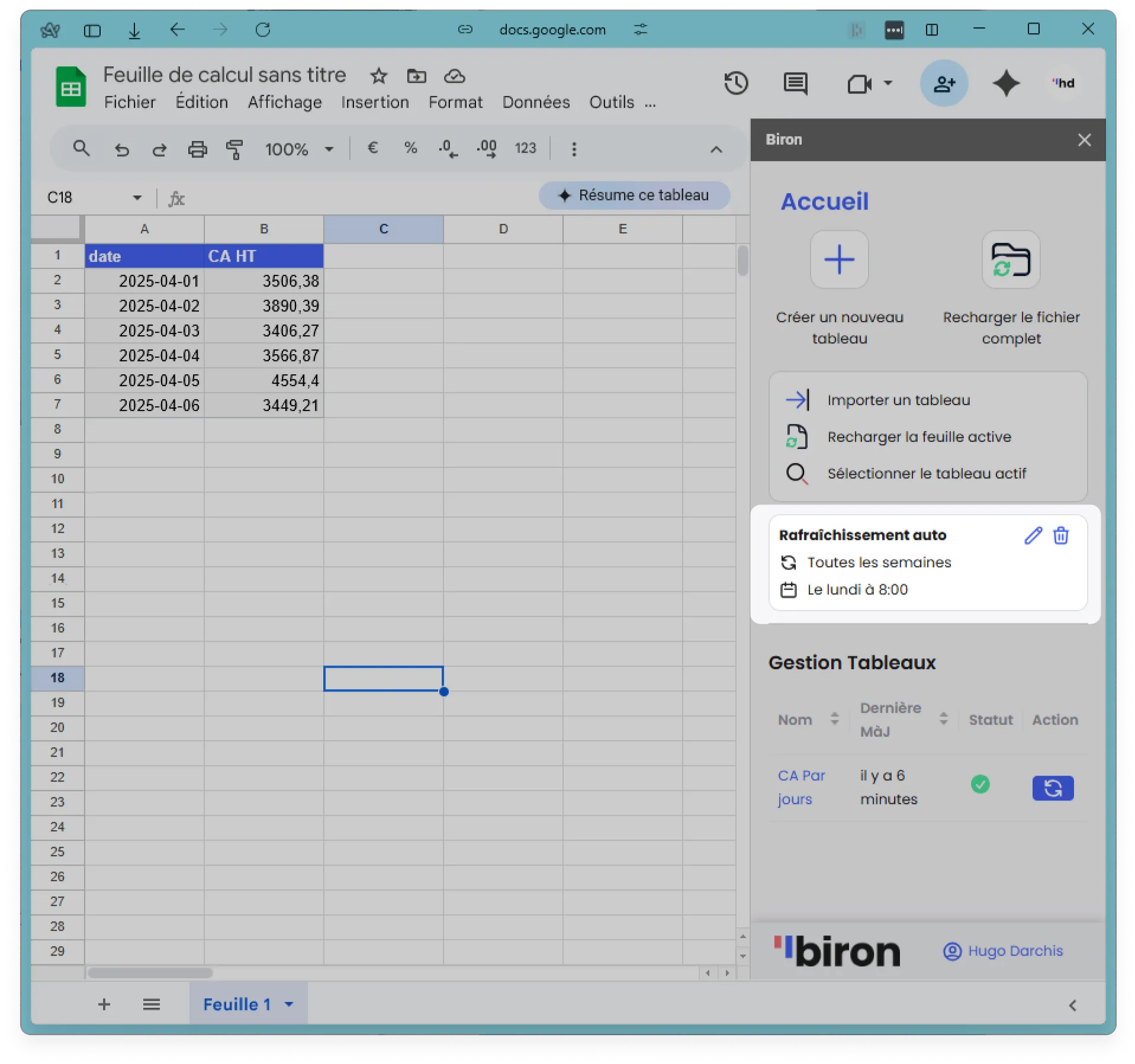
Section titled “Configuring automatic refresh”Open the Biron plugin for Google Spreadsheet — you can see in the main menu panel that by default there is no automatic refresh set up.
To add one, click the plus button in the automatic refresh box.
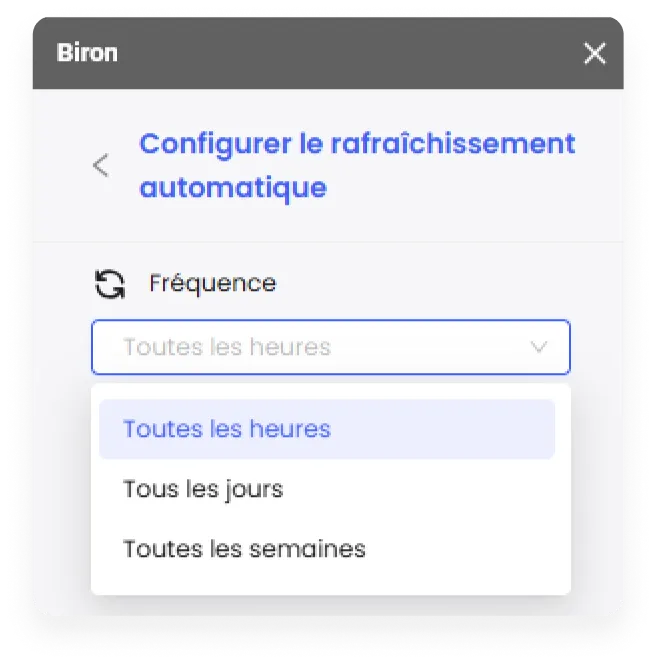
Once clicked, you are presented with a form where you can first choose the refresh frequency from 3 options:
- Every hour
- Every day
- Every week
You can then choose the refresh options based on the frequency:
- Reload time
- Reload day
Click Create refresh and your refresh is ready.
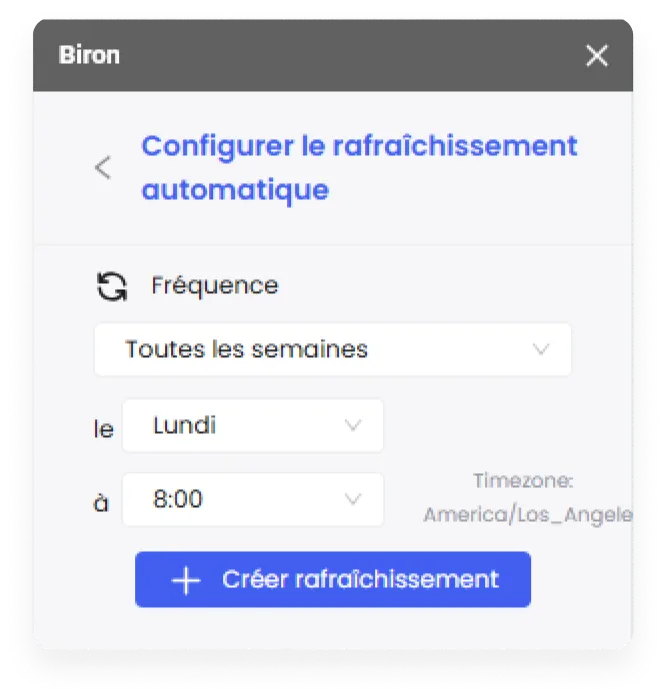
All file configurations will be updated at the chosen frequency.
Editing an automatic refresh
Section titled “Editing an automatic refresh”To edit an automatic refresh: click the pencil icon in the automatic refresh box.
You are then taken to the refresh configuration window.
Make your changes then click Edit refresh.
Deleting an automatic refresh
Section titled “Deleting an automatic refresh”To delete an automatic refresh:
Click the Trash button in the automatic refresh box.
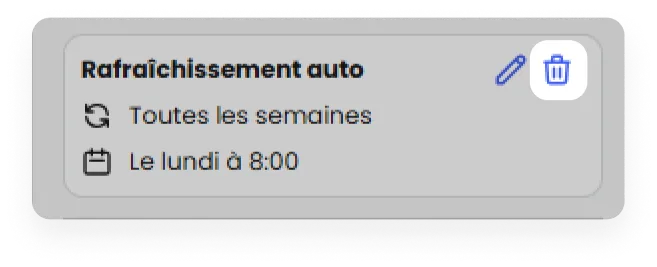
Go through the refresh edit menu then click Delete refresh.